Why Are We Still Fighting PDF Files in 2026?
Document workflows shouldn't feel like wrestling a heavyweight software installer on a bad internet connection. Here is my take on why browser-native tools like PrimePDF are finally fixing the mess.
Nothing tests your patience quite like needing to quickly sign and convert a proposal document while sitting in a quiet workstation in Jos, watching your remaining network data drop to zero, only for the web converter to freeze mid-way and throw an error.
PDFs were introduced over thirty years ago. Somehow, in 2026, we are still dealing with desktop apps that take 500MB of RAM just to compress a three-page document, or web tools that force you through three paywalls and four redirects just to merge two files.

The Bloatware Legacy
Most legacy PDF tools are fundamentally broken from a modern user experience standpoint. They were built for an era where everyone installed giant desktop software suites.
When you look at traditional document workflows, they usually look like this:
- Open a desktop app that takes 15 seconds to load up.
- Realize it needs an update.
- Pay for a monthly subscription just to edit a single typo.
- Give up and go to a random free website, upload your private document to a mystery server, compress it, download it back, and then use another website to add an electronic signature.
It is fragmented, slow, and completely unnecessary for modern web stack capabilities.
Single-Tab Execution Is the Real Win
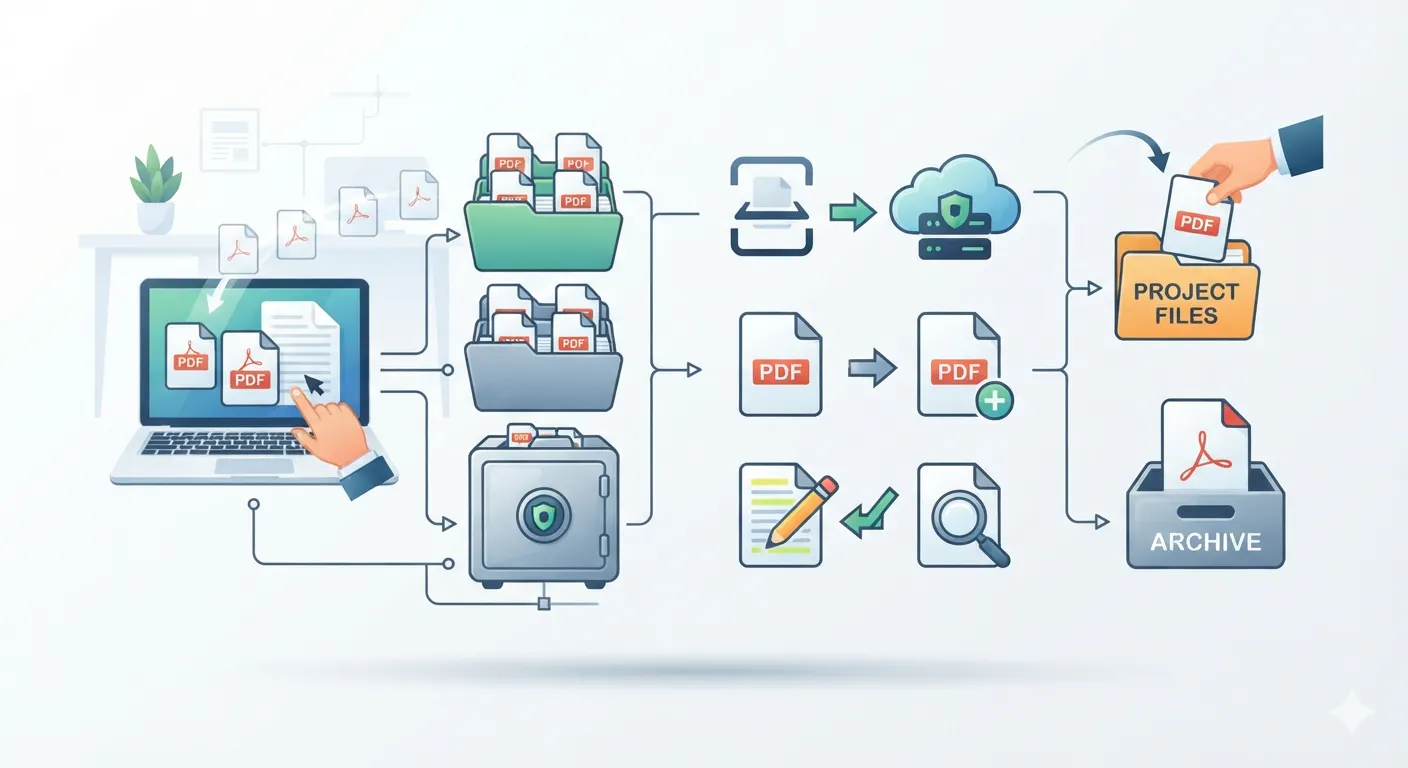
This is why I took notice of what PrimePDF is trying to pull off. They’re taking the stance that document tools should live in a single browser tab. Editing, converting, compressing, signing, organizing—all handled in one clean interface without needing extra software installations or shifting across five bookmarked websites.

From an engineering perspective, this is where web applications shine when done right. With modern browser APIs and client-side processing, a lot of PDF manipulation doesn't even need heavy backend roundtrips.
If a tool forces you to re-upload a 20MB contract to a server just to rotate page two, it’s wasting your bandwidth. In places where internet connection fluctuates or where you're tethered to a mobile hotspot on a hot afternoon, client-side efficiency isn't a luxury—it's the whole product experience.
Zero Friction as a Product Philosophy
When you build products for people who are busy trying to run businesses, hustle clients, or hit tight sprint deadlines, zero friction is the only rule that matters.
Nobody wants an onboarding tutorial on how to attach an e-signature to an invoice. They want to drag the file into the tab, drop their sign off, click export, and close the browser before their coffee gets cold.

PrimePDF's push toward a unified, browser-native suite highlights where web software should have gone years ago. Strip away the desktop installers, drop the bloated feature lists nobody uses, and make the essential document tasks blazing fast.
As developers, we spend too much time building complex architectures for things that could be solved with clean UX and smart browser-side rendering. Simple tools that do unsexy, daily tasks exceptionally well will always beat giant corporate bloatware.
Related from Tech
Let's build your next big product.
Accepting project-based freelance, remote engineering roles, and hybrid positions.